
Accept a baby toy image library only when each file maps to the ordered SKU, variant and current product record; hold affected variants when identity or age-label links remain unresolved. For baby toy age suitability checks before bulk orders, compare the pictured color, size identifier, accessories, packaging and age wording against controlled records—not the filename alone. Keep one audit row per image file per variant, record discrepancies, and require dated approval of corrected files before clearing the image-review gate.
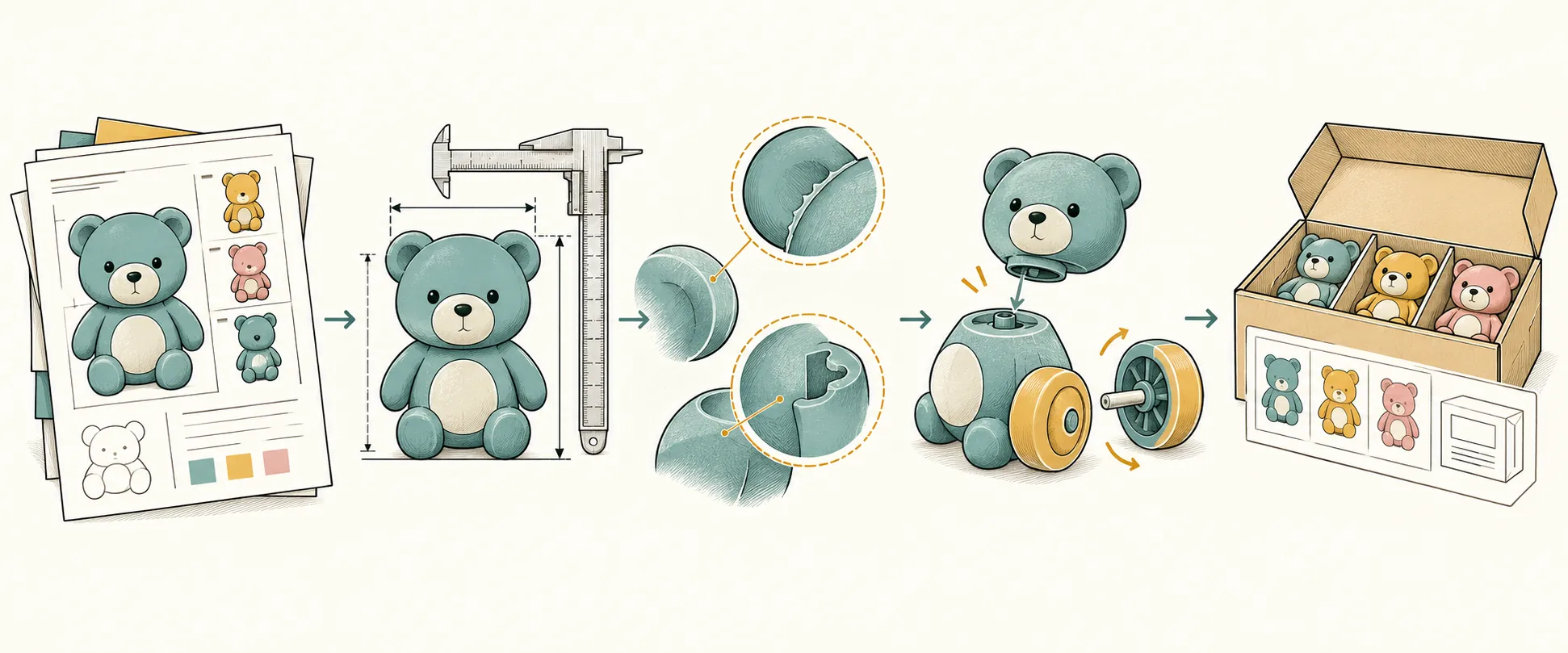
What observable signs indicate a variant mix-up?
A variant mix-up is a mismatch between the product an image represents and the SKU or variant to which that image is assigned. Look for a different accessory set, package format, color arrangement, model label, size identifier or age statement—not merely a similar overall shape.
Start with the offered-variant list and current product-record revision. For every variant, identify the expected product view, packaging view and readable label view. Then compare those requirements with the actual files. A generic group photograph does not identify every pictured option unless the manifest maps each option explicitly.
Check size using a visible size identifier or a documented sample reference; perspective alone cannot establish dimensions. Likewise, a child pictured beside a toy, a catalog category or a material name does not establish age suitability.
Watchdog Compliance's Australian guidance, published October 25, 2026, recommends checking model, photographs, materials, components and age suitability against supporting reports. That supports an identity cross-check; it does not prescribe the naming convention below or establish a US/EU legal requirement. Watchdog Compliance
What file-naming structure makes variant identity checkable?
| SKU and variant | Use the purchasing-system SKU and a stable variant key. The manifest must resolve that key to the offered color, size, accessory set and packaging configuration. Do not use the product name alone as the identifier. |
|---|---|
| Market and view | Identify the intended destination version and distinguish PRODUCT-FRONT, PRODUCT-REAR, PACK and LABEL views. A shared product view may serve several markets only when the manifest records that relationship; market-specific packaging and labels need their own mappings. |
| Revision and date | Give every replacement a new revision. Define the date token consistently—for example, submission date—and do not present it as the photograph's capture date unless that is established. Preserve the original filename in the audit record. |
| Source token | Use an agreed short code for the submitting party or image set. This identifies the submission, not the authenticity or ownership of the image. |
| Shared assets and replacements | Record every approved SKU–variant association for a shared file. Retain superseded versions in an archive, remove them from active listing folders and record which replacement supersedes them. Do not silently overwrite an approved file. |
What must each product-to-image audit row contain?
| Identity and revision | Record audit-row ID, supplier, original filename, controlled filename, file location or checksum, SKU, variant identifier, destination/channel, image revision and product-record revision. Owner: category buyer or catalog coordinator. |
|---|---|
| Product-record match | Enter the expected identity, color, size identifier and accessories beside what the image actually shows. Record match Y/N and explain every N. Distinguish a visible match from a feature that this view cannot establish. Owner: category buyer. |
| Packaging match | Record specified pack format and artwork revision, observed format and visible identifiers, then match Y/N. Link any approved packaging exception rather than treating it as an unexplained pass. Owner: category buyer with supplier packaging contact. |
| Age-label visibility and wording | Record age label visible Y/N, the exact visible wording and the linked label-image row when it is not visible in this view. A front-view photograph can pass without showing the label if the required companion label image is verified. Owner: quality/compliance reviewer. |
| Age and intended-use evidence link | Record the controlled age/intended-use evidence reference and revision, its SKU/variant link, and whether the photographed wording agrees. Do not treat the picture as age-suitability evidence. Escalate conflicting wording or an unresolved identity link. Owner: quality/compliance reviewer. |
| Review and decision | Record reviewer name, role, review date, status—PASS, HOLD or ESCALATE—and the specific condition preventing acceptance. Record the image-gate approver and approval date separately from the person supplying corrected files. |
| Correction and closure | Record issue ID, responsible correction owner, agreed due date, replacement-file revision, recheck result, closure owner/date and affected listing or order references. Supplier supplies corrections; the buyer's designated reviewer verifies closure. |
How would the audit handle two similar catalog assignments?
| Hypothetical image row A — Montessori Lock Activity Learning Table | File: BTB350566_DEMO-A_DEMO_PACK_r01_20261027_SUP.jpg; SKU: BTB350566; variant: DEMO-A, illustrative packaging configuration. Target: activity table in a color box, catalog snapshot dated 2026-10-09. Hypothetical observation: image shows the Sister Goose product in a window box. Product-record match: N; packaging match: N; age label visible: N. Age-evidence reference: age-link review remains open; this misassigned image cannot support it. Reviewer: category buyer, demonstration review dated 2026-10-27. Status: ESCALATE and hold the affected assignment. Trigger: cross-product image assignment. Correction owner: supplier image coordinator. Approver: category manager; approval withheld at review. Closure condition: replace the image, check other uses of the file, complete the age-link review and record dated reapproval. |
|---|---|
| Hypothetical image row B — Educational Table Turning Game (Sister Goose) | File: BTB284332_DEMO-B_DEMO_PACK_r01_20261027_SUP.jpg; SKU: BTB284332; variant: DEMO-B, illustrative packaging configuration. Target: Sister Goose product in a window box, catalog snapshot dated 2026-10-09. Hypothetical observation: product identity and window-box format match, but no readable companion label image has been linked. Product-record match: Y for visible identity; packaging match: Y for format; age label visible: N. Age-evidence reference: linkage to the SKU-specific age/intended-use record remains an open action. Reviewer: category buyer, demonstration review dated 2026-10-27. Status: HOLD, not reject. Correction owner: supplier image coordinator; age-link owner: quality/compliance reviewer. Approver: category manager; approval withheld at review. Closure condition: obtain the readable label view, reconcile it with the controlled age record and record reviewer sign-off before image-gate release. |
When should a buyer accept, correct or reject the library?
Accept only the identified library revision whose required variant mappings and supporting label links pass review; correct recoverable errors, and reject a submitted image set when it cannot be made unambiguous for purchasing use.
PASS means the file matches the assigned record on the attributes that view can establish, required companion views are linked, and the quality reviewer has resolved the age-wording link. Passing this image gate is not a product-safety certification or permission to bypass other order approvals.
HOLD is appropriate for an unreadable label, missing companion view, ambiguous filename or unresolved variant mapping. These conditions do not automatically prove that the product is unsuitable or that the supplier is unable to correct the submission.
ESCALATE while maintaining the hold when a file depicts a different product, the pictured age wording conflicts with the controlled age record, or a shared file has potentially affected other listings. The category manager owns commercial disposition; the quality/compliance lead owns unresolved age or intended-use questions.
Reject the submitted library revision—not automatically the product—if corrected files still cannot be matched reliably or no acceptable correction plan is agreed before the order decision. Limit the hold to demonstrably affected variants unless the same mapping problem leaves a wider group unresolved.
Which triggers require an escalation log before order release?
| Cross-SKU or unexplained shared-image assignment | Category buyer holds the affected mappings and asks the supplier to identify every assignment of the file. Escalate to the category manager if the intended product cannot be resolved. Close after corrected mappings and all affected active copies are rechecked. |
|---|---|
| Absent, unreadable or inconsistent age information | Quality/compliance reviewer requests the readable companion label image and SKU-specific age/intended-use reference. Missing visibility is a hold; conflicting age wording requires escalation to the quality/compliance lead. Close only after the discrepancy is resolved and signed off. |
| Wrong packaging or accessories | Category buyer records the ordered configuration against the pictured configuration and requests a replacement file or a formally approved specification change. Do not clear the discrepancy by renaming the image. |
| Correction deadline missed or approved file replaced | Category manager decides whether to defer the affected order or reject the image-set submission. Reopen review for a changed file; record the new revision and reapproval rather than carrying forward the old sign-off. |
What records should the buyer retain, and what does this audit not prove?
Retain the reviewed library snapshot, variant manifest, naming-rule version, completed audit rows, product-record revisions, age-evidence references, correction correspondence, escalation log and dated approval or hold decisions.
Keep original and corrected files distinguishable, along with the affected order and listing references. Watchdog Compliance's October 25, 2026 guidance recommends records that identify affected models, suppliers and sales channels; linking these identifiers makes an image correction traceable across its uses. Watchdog Compliance
This audit checks image-to-record consistency. It does not establish product safety, test-report coverage, certification, physical production conformity or image ownership. A complete record supports traceability; it cannot by itself reveal an undisclosed product change. Release the image gate only after its recorded conditions are closed, and keep the separate product and bulk-order approval controls intact.